Portable vs Desktop Videoscope
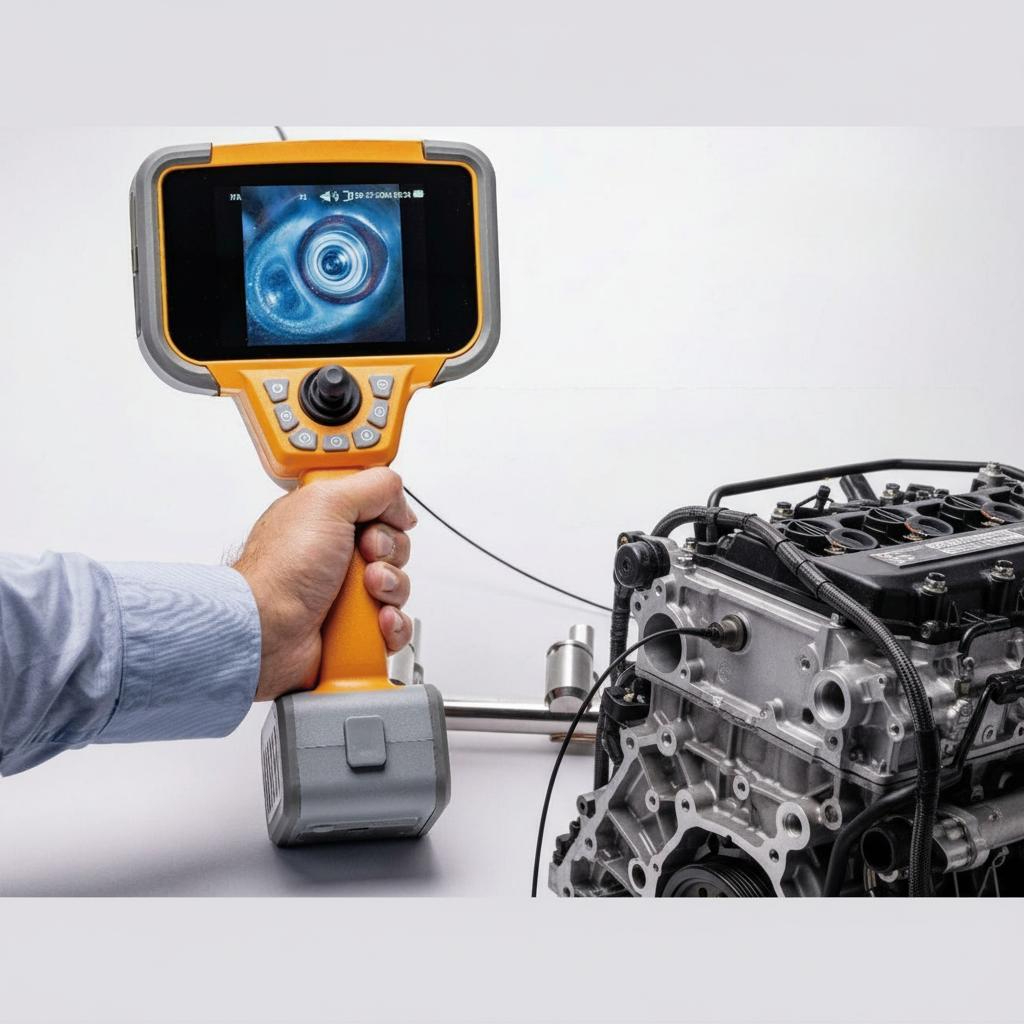
Learn the difference between portable and desktop videoscopes, including mobility, image quality, probe compatibility, field usability, documentation, and how to choose the right system for industrial remote visual inspection.
Portable vs Desktop Videoscope Systems
Industrial videoscope systems are commonly divided into two main categories:
Portable handheld videoscopes
Desktop or workstation-based videoscope systems
Both solutions are designed for industrial visual inspection, but they serve very different inspection environments and operational requirements.
Choosing the right system depends on mobility requirements, inspection complexity, working environment, reporting workflow, and budget.
What is a Portable Videoscope?
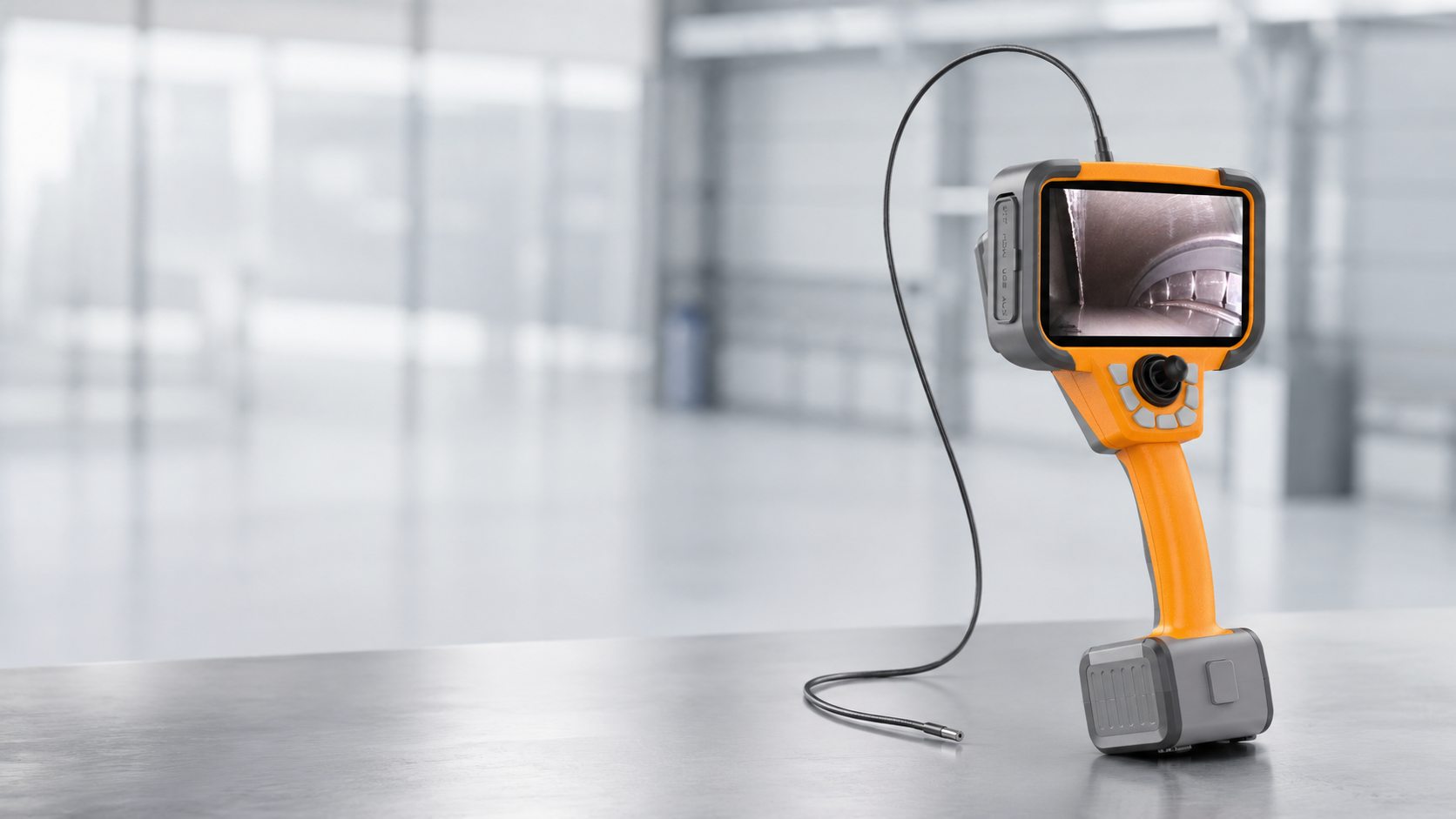
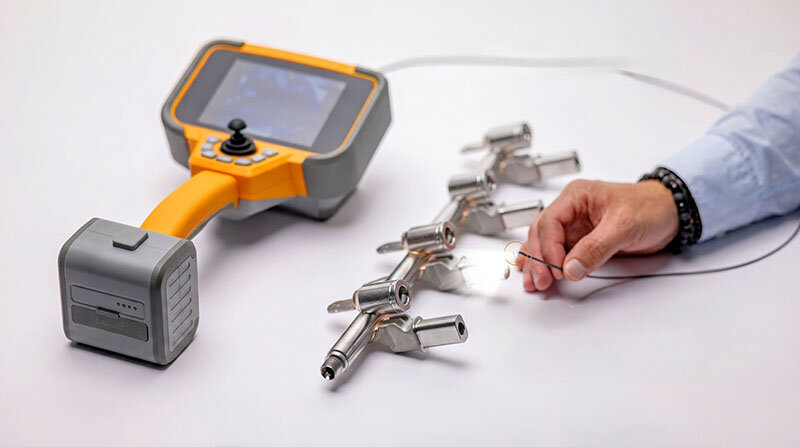
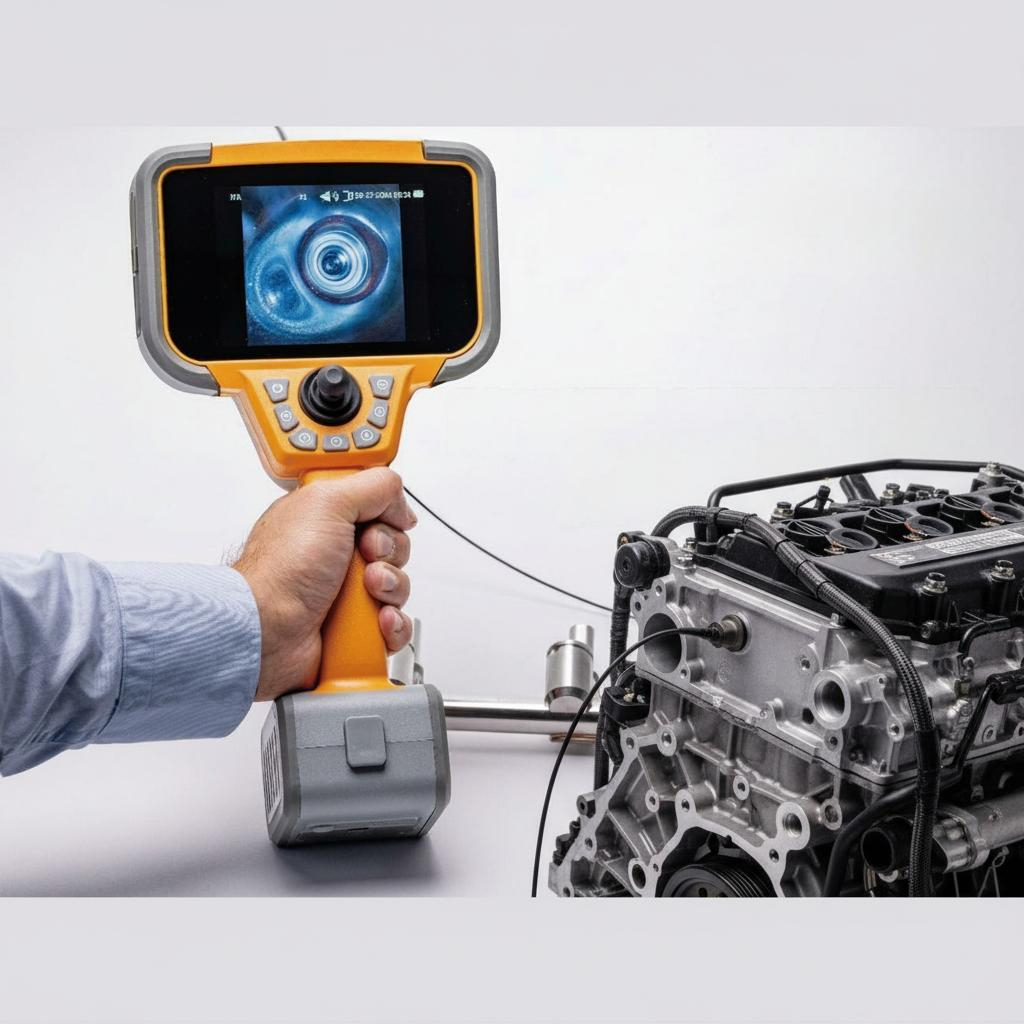
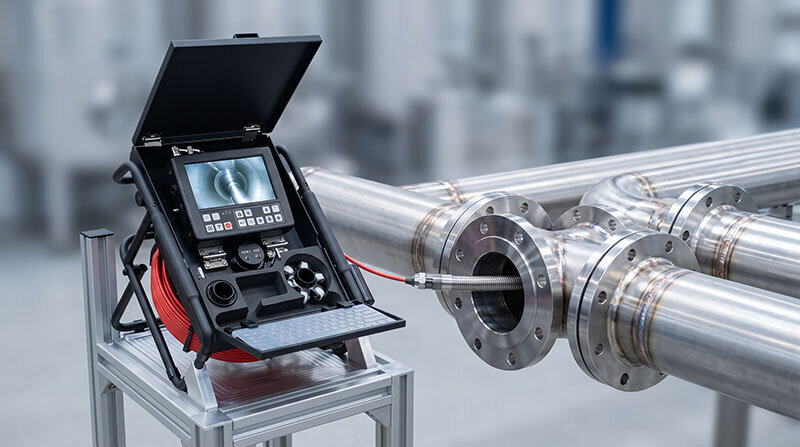
A portable videoscope is a compact handheld inspection system with an integrated display, battery system, and portable control unit.
Portable systems are widely used in:
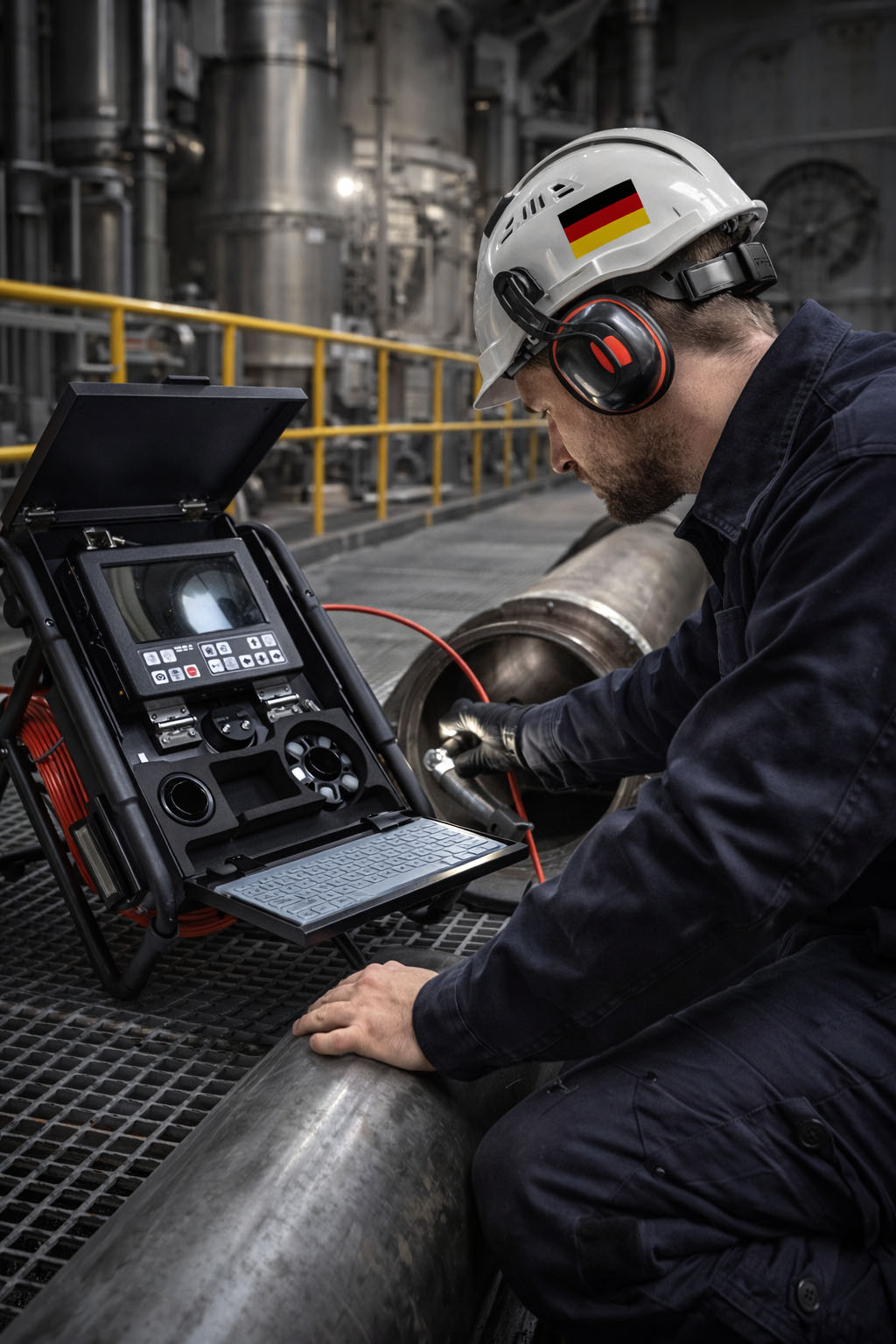
Field inspection
Aerospace maintenance
Automotive inspection
Power plant maintenance
Industrial service work
On-site troubleshooting
Typical Features of Portable Videoscopes
Integrated LCD touchscreen or display
Battery-powered operation
Compact lightweight design
Portable carrying case
Quick startup and operation
Integrated image and video recording
Advantages of Portable Videoscopes
Excellent mobility
Easy transportation between inspection sites
Suitable for field maintenance
Fast deployment
Lower installation requirements
Ideal for confined industrial environments
Limitations of Portable Videoscopes
Smaller display size
Limited workstation integration
Reduced operator comfort during long inspections
Limited multi-user collaboration
Battery management required
What is a Desktop Videoscope System?
A desktop videoscope system is typically installed as a workstation-based inspection platform with a larger control console, external monitor, and advanced image processing capabilities.
Desktop systems are commonly used in:
Laboratory inspection
Quality control departments
Manufacturing inspection stations
Research and development
Detailed defect analysis
Production line inspection
Typical Features of Desktop Systems
Large external monitor
Advanced image processing software
Stable workstation environment
Long continuous operating capability
Extended data storage options
Integration with reporting systems
Advantages of Desktop Videoscope Systems
Larger viewing display
Improved operator comfort
Better for detailed defect analysis
Suitable for long inspection sessions
Easier multi-user collaboration
Advanced image management capabilities
Limitations of Desktop Videoscope Systems
Limited portability
Higher installation requirements
Larger physical footprint
Less suitable for field inspection
Higher overall system cost
Comparison Between Portable and Desktop Videoscopes
| Feature | Portable Videoscope | Desktop Videoscope |
|---|---|---|
| Mobility | Excellent | Limited |
| Field Inspection | Ideal | Less suitable |
| Display Size | Small to medium | Large monitor |
| Setup Time | Fast | Longer |
| Continuous Operation | Battery dependent | Excellent |
| Operator Comfort | Moderate | High |
| Industrial Mobility | Excellent | Limited |
| Workstation Integration | Basic | Advanced |
| Typical Environment | Maintenance and service | Lab and quality control |
Why Portable Systems Dominate Modern Industrial Inspection
Modern industrial inspection increasingly requires mobility and flexibility.
Industries such as aerospace, energy, automotive, and industrial maintenance often perform inspections directly at the equipment location.
Portable handheld videoscopes provide:
Fast inspection response
Reduced downtime
Easy transportation
Field-ready operation
As battery technology and display quality improve, portable systems have become the dominant solution for many industrial inspection tasks.
When Desktop Systems are Still Preferred
Desktop videoscope systems remain valuable in environments where:
Detailed image analysis is required
Long inspection sessions are common
Operator ergonomics are critical
Advanced reporting workflows are used
Inspections are performed at fixed stations
Manufacturing quality control and laboratory environments often benefit from desktop systems.
Hybrid Industrial Workflow
Many companies now combine both solutions:
Portable systems for field inspections
Desktop workstations for detailed analysis and reporting
This hybrid workflow improves inspection flexibility while maintaining advanced documentation capability.
Conclusion
Portable and desktop videoscope systems each offer important advantages depending on the inspection environment.
Portable systems provide mobility, flexibility, and fast deployment for industrial maintenance and field service, while desktop systems provide superior workstation comfort and advanced analysis capability.
For most modern industrial inspections, portable handheld videoscopes have become the preferred solution due to their efficiency and operational flexibility.
FAQ
What is the main advantage of a portable videoscope?
The main advantage is mobility. Portable videoscopes allow inspectors to perform inspections directly at the equipment location without requiring a fixed workstation.
Are desktop videoscope systems still used?
Yes. Desktop systems are still widely used in laboratories, manufacturing quality control, research environments, and applications requiring detailed image analysis.
Which system is better for turbine inspection?
Portable videoscopes are commonly preferred for turbine inspection because inspections are often performed directly inside engines or power generation equipment in the field.
Can portable videoscopes provide HD image quality?
Yes. Modern portable industrial videoscopes commonly support HD imaging, advanced articulation, image recording, and touchscreen operation.
Which system is better for long inspection sessions?
Desktop systems generally provide better operator comfort and larger displays for long-duration inspection tasks.
Are portable systems durable enough for industrial environments?
Yes. Industrial portable videoscopes are designed for harsh environments and commonly feature rugged housings, reinforced probes, and portable protective cases.
Can a portable videoscope be connected to external monitors?
Many modern portable systems support HDMI, USB, or wireless connectivity for external display and reporting integration.